

GT Link Manager, WordPress 7 Compat, AI Slop Audit, TT7 Theme, M5 Pro
GT Link Manager heading to WordPress.org, Functionalities 1.3.0 ships WordPress 7 compatibility, TT7 plans, Core Forms origin story, and the M5 Pro is here.

Two themes this week: shipping things to the WordPress ecosystem, and cleaning up the mess that AI-assisted content leaves behind when you’re not looking closely enough. Plus the M5 Pro finally arrived, which deserves its own section because this machine is absurd.
GT Link Manager: Heading to WordPress.org
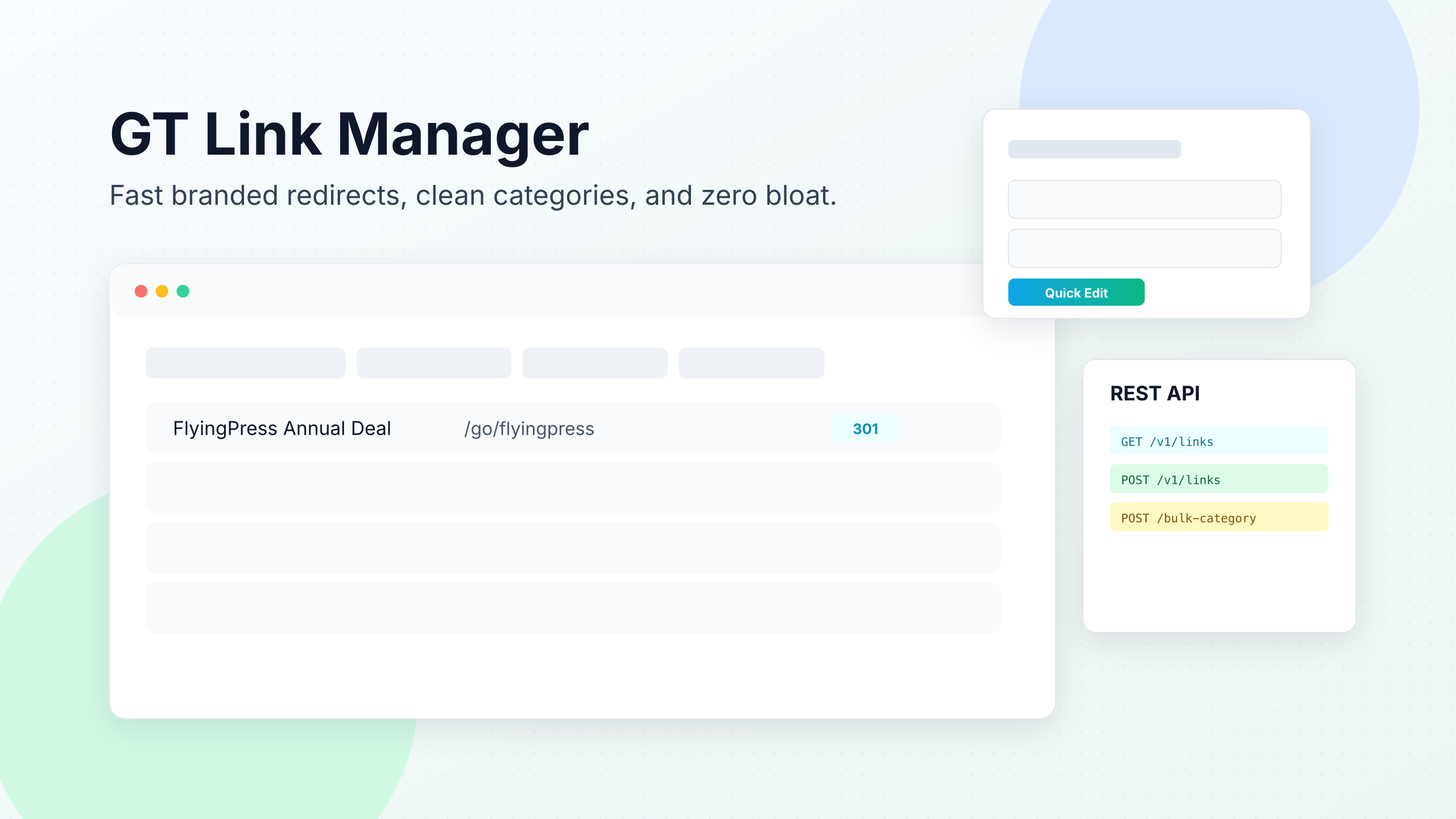
This is a big one for me. GT Link Manager is now in the WordPress.org plugin review pipeline. If you’ve followed my work, you know this plugin. It’s the affiliate link management system I built and have been running on gauravtiwari.org for years. Tracks clicks, manages redirects, handles nofollow/sponsored attributes, and gives you a clean /go/product-slug/ structure for every affiliate link.
The WordPress.org submission means a free version will be publicly available. The review process takes anywhere from a few days to a few weeks depending on the queue, but the plugin is ready. I’ve been using it in production across multiple sites, so the codebase is battle-tested.
Why submit now? Two reasons. First, the plugin is mature enough that I’m confident in its stability for a wider audience. Second, having a WordPress.org presence matters for discoverability. Most people find plugins through the repository, not through blog posts. If GT Link Manager is going to grow beyond my own sites and clients, it needs to be where people look.
I’ll share the listing link as soon as it’s approved.
Dynamic Functionalities 1.3.0: WordPress 7 Editor Compatibility
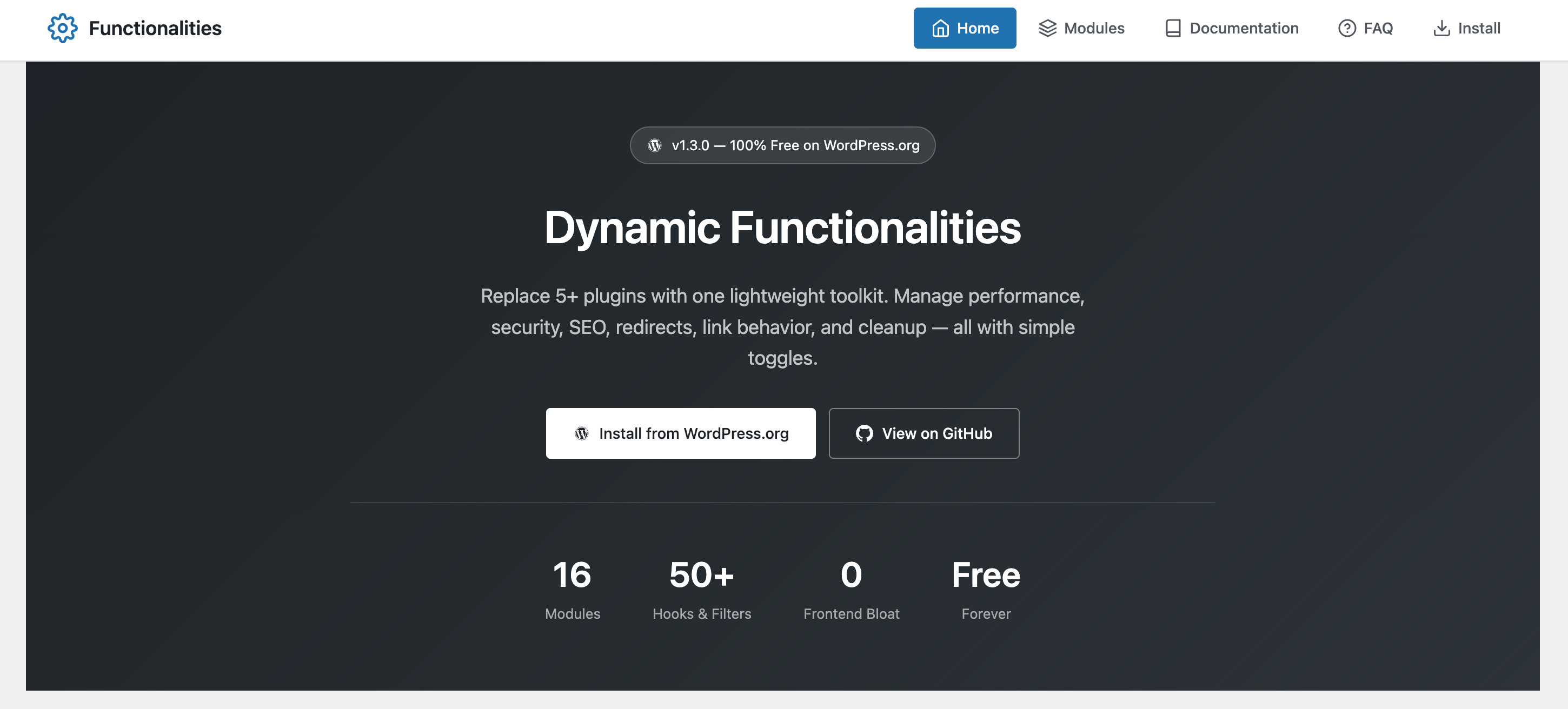
Shipped Functionalities 1.3.0 this week with a significant under-the-hood update: full WordPress 7 editor iframe compatibility.
Here’s the technical context. WordPress 7 moved the block editor into an iframe for better style isolation. Good for the editor. Bad for plugins that were injecting CSS or JavaScript directly into the editor page. My Fonts module, SVG Icons, Content Negotiations, and Custom Preferences all broke because they were enqueuing assets the old way.
The fix: added enqueue_block_assets handlers so editor CSS loads inside the WP 7 editor iframe correctly. Also fixed a query string issue that was causing cache-busting problems.
This is the kind of invisible maintenance work that doesn’t get blog posts but determines whether a plugin survives a major WordPress release. If you’re running Functionalities on a WordPress 7 site, update to 1.3.0. Everything should work seamlessly now.
WordPress TT7: My Plans for a Community Theme
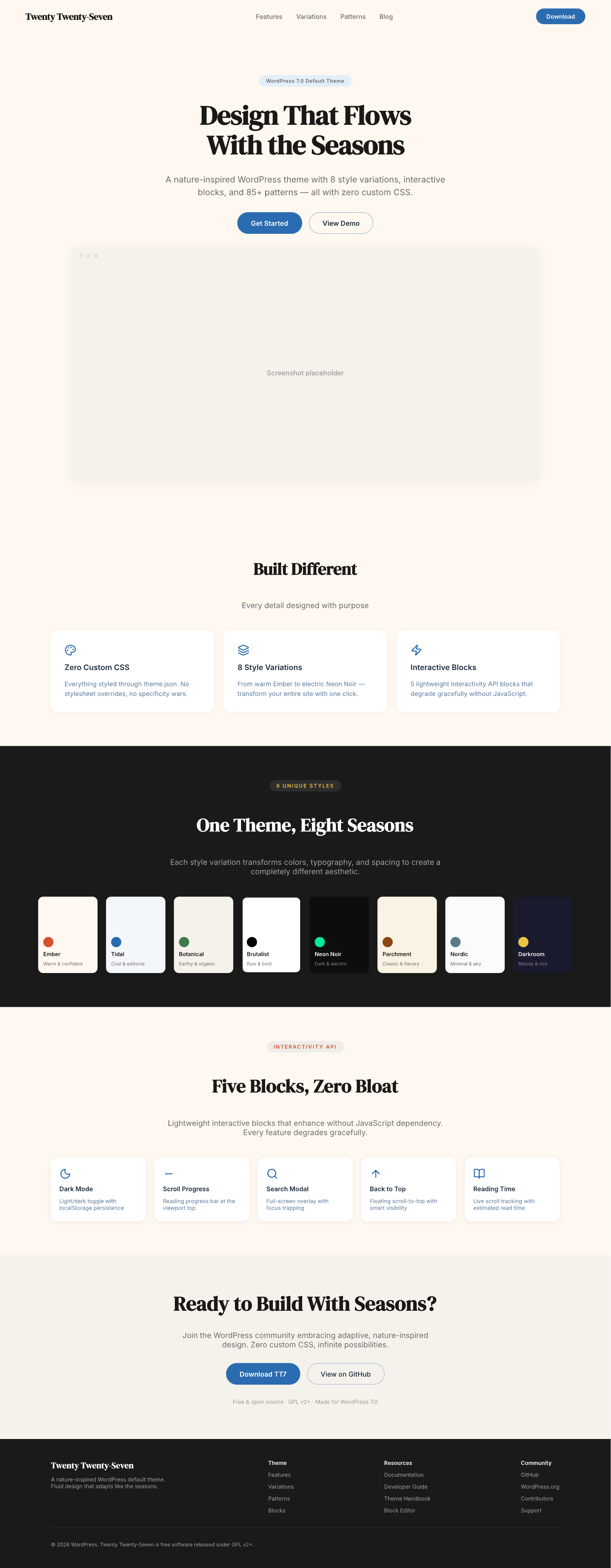
WordPress announced TT7 (Twenty Twenty-Seven) as the next default theme. I’d been working on TT6 designs that never shipped, and I’m pivoting that work into TT7 contributions.
My design direction for the community theme fork: bold, opinionated, and minimal. The mockup I shared on X had three principles: bold billboard layouts for the homepage, nine theme variations with the right features for each, and fine blocks with zero bloat.
The repo is live at wpgaurav/TT7. It’s early. But the idea is to build a version of TT7 that leans into what block themes do best: lightweight, fast, configurable through the Site Editor, and visually distinctive without requiring a page builder or fifty custom blocks.
If you’re interested in contributing or just watching the progress, the repo is public. I’ll be pushing design iterations over the next few weeks as the official TT7 spec solidifies.
Why I Built Core Forms
Published the origin story of Core Forms this week. It’s part product announcement, part rant about the state of WordPress form plugins.
The thesis: a contact form shouldn’t need 47 JavaScript files, a drag-and-drop builder with 200 field types, and a $199/year subscription. That’s not a form plugin. That’s a SaaS product wearing a WordPress costume.
Core Forms is my answer. $59, once. Lifetime updates. Every feature included. v3.5.0 now ships with theme-native design, polls, fullscreen Typeform-like forms, submission workflows, conditional actions, and a REST API. It started as a fork years ago and evolved into something I use on every site I build.
The post covers the technical decisions (why one-time pricing instead of recurring, why native blocks instead of a custom builder, what I learned from using it across 800+ client projects), and it seems to have resonated. The response on X was strong.
The Content Refresh Machine
This was the quiet background work consuming most of my week. I refreshed four major articles for SEO, AEO and GEO:
GeneratePress Free vs Premium vs One — Complete rewrite with 2026 pricing, GeneratePress One tier comparison, new “What’s New in GeneratePress” section covering Navigation Block, Site Header Block, Carousel Block, and the Conditions system. Updated CrUX performance data: LCP 2.2s, INP 110ms, CLS 0.04. Added 5 images from the media library. Moved from position ~26 to (too early to tell, but the content is dramatically better now).
WordPress vs Blogger — Full rewrite, reframed as “Why Blogger Lost.” Added WordPress.com vs WordPress.org vs Blogger triple comparison table. Blogger hasn’t had a significant update since 2020. The article reflects that reality now instead of treating it as a legitimate competitor.
Putlocker Alternatives — Expanded from 1,200 to 3,000+ words. Split into legal alternatives (Tubi, Pluto TV, Plex, Crackle) and unofficial sites. Added two comparison tables, safety guide, VPN product boxes (NordVPN, Surfshark), “What Is Putlocker’s New Site” section targeting long-tail queries. Monetization went from one affiliate placement to five.
Insert AdSense Ads in WordPress Loop — Rewritten from scratch. Added four PHP code variations (single position, multiple positions, every Nth post, the_post hook method), three no-code alternatives (Ad Inserter, WPCode, Google Auto Ads), block theme considerations, performance impact section, and a comparison table. Went from 800 words to 2,400+.
Every refresh follows the same pattern: answer-first sections, entity-dense writing, comparison tables, FAQ schema, updated Rank Math meta, and [year] shortcodes from Dynamic Month & Year into Posts. The system is getting faster with every article.
Hostinger vs Namecheap
Published Hostinger vs Namecheap this week. A proper comparison page following my comparison-page format: quick verdict, feature comparison table, dimension-by-dimension breakdown, pricing comparison, “who should use which” sections, and a clear recommendation.
This is one of those pieces that exists because people search for it (thousands of monthly searches for “hostinger vs namecheap”) and the existing results are either thin affiliate bait or outdated. I tested both hosting services, benchmarked performance, and documented the actual experience.
MacBook Pro M5 Pro: First Impressions
It’s here. The 16” MacBook Pro in Space Black with M5 Pro.
First impressions after five days of daily use: the Neural Engine improvement is noticeable for AI workflows. Claude Code sessions feel snappier. Local model inference is faster. Docker containers spin up with less wait. The 24GB unified memory handles my typical workload (browser with 30+ tabs, VS Code, Docker, Terminal with multiple SSH sessions, Figma) without any memory pressure warnings.
The display is the same brilliant panel as the M4 Pro generation. Keyboard, trackpad, speakers, all excellent and unchanged. Battery life is genuinely all-day for my workflow.
The honest take: if you’re on an M3 Pro or M4 Pro, the upgrade is incremental. If you’re on an M1 or M2, the jump is significant enough to justify the cost. I came from a setup that was struggling with my AI-heavy workflows, so for me, the upgrade was worth it.
I’ll write a proper developer workflow comparison (build times, Docker benchmarks, AI tool responsiveness) once I’ve had a few more weeks with it.
WordPress Ecosystem Notes
A few things happening in the WordPress world worth mentioning:
I was featured in the WP Weekly and WP Week Newsletter #263. These two are probably the best newsletters in WordPress ecosystems.
WordPress live preview is getting painful. I posted about this on X and it resonated. The live preview experience in the block editor, especially on sites with complex block configurations, has become noticeably slower. More iframes, more re-renders, more waiting. It’s a real workflow issue for content creators who need to see their changes in real-time.
What’s Coming Next Week
GT Link Manager approval (hopefully). The WordPress.org review queue moves at its own pace, but I’m optimistic.
More content refreshes. I have a ranked list of 25+ articles from the GSC audit that need attention. Position 15-40 with decent impressions is the sweet spot for refresh ROI.
TT7 community theme progress. Pushing the first real design iteration to the repo.
Substack paid tier planning. The behind-the-scenes posts and revenue breakdowns will go behind the paywall soon. Still working out the structure.
That’s the week. Shipping plugins to WordPress.org, making things WordPress 7 compatible, cleaning up AI mess, refreshing old content, and adjusting to a new machine. The common thread: maintenance and infrastructure work that doesn’t get headlines but keeps everything running.
If you’re submitting plugins to WordPress.org, running AI content audits, or building block theme variations, I’d love to compare notes. Reply anytime.